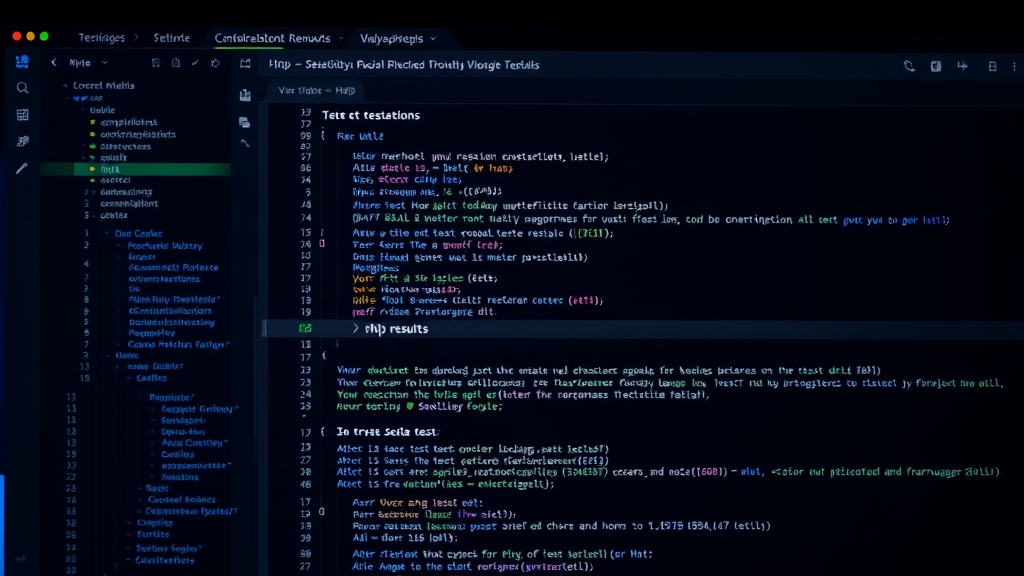
I built a VS Code extension called PHPUnit & Pest Test Explorer, which has accumulated over 260,000 installs. This article covers everything: features, configuration, Pest support, Docker integration, and Xdebug debugging.
Why I Built This Extension
PHPUnit is the de facto testing framework in the PHP ecosystem, but running tests in VS Code has always been clunky. Either you open a terminal and type commands manually, or you use other extensions with limited functionality. What I wanted was: click a button to run a single test, click the stack trace to jump to the failing code, and make it work with Docker.
Couldn’t find anything that checked all the boxes, so I built one.
Basic Features
Once installed, the extension automatically detects phpunit.xml or phpunit.xml.dist in your project and lists all tests in VS Code’s Test Explorer panel.
Supported version range:
- PHPUnit 7 – 12
- Pest 1 – 4
Running Tests
Several ways to run tests:
- Click the play button next to a test in the Test Explorer panel
- Use the Run / Debug CodeLens above test methods in the editor
- Keyboard shortcuts:
| Shortcut | Action |
|---|---|
Cmd+T Cmd+T | Run test at cursor |
Cmd+T Cmd+F | Run all tests in current file |
Cmd+T Cmd+S | Run all tests |
Cmd+T Cmd+L | Rerun last test |
Replace Cmd with Ctrl on Windows / Linux.
Test Output
Results are displayed in VS Code’s native Test Results Panel. Three output presets are available:
collision(default): Individual test results with syntax-highlighted PHP code snippetsprogress: Classic dot-progress barpretty: One line per test without icons
| |
Stack traces in error messages are clickable, jumping directly to the file and line. dd() output is syntax-highlighted too.
Pest Support
If your composer.json includes pestphp/pest, the extension auto-detects it and switches to vendor/bin/pest. No configuration needed.
Manual override:
| |
Full dataset support including:
->with()array datasets- Chained
->with()calls - Generator-based data providers
- Loop-based yield data providers
Each dataset test case appears individually in Test Explorer and can be run or debugged independently.
Docker Integration
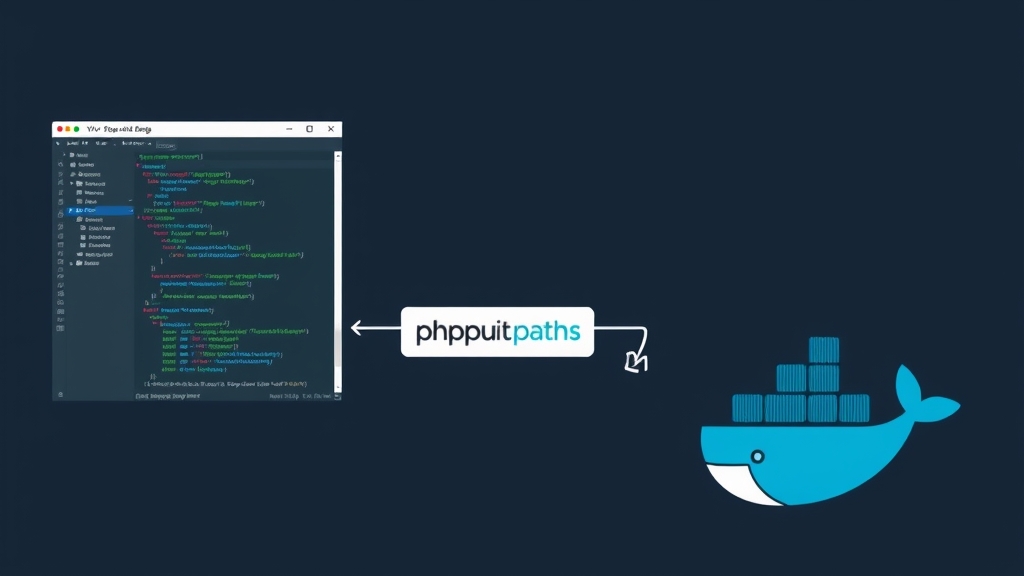
In real-world development, PHP environments often run inside Docker containers. The extension uses phpunit.command and phpunit.paths to support various remote execution scenarios.
The core concept: phpunit.command defines how to execute the test command, and phpunit.paths maps local paths to container paths.
Docker Compose
The most common scenario. Assuming your docker-compose.yml has an app service with code mounted at /app:
| |
The -t flag allocates a pseudo-TTY for colored output.
docker exec (Running Container)
If the container is already running:
| |
docker run (Ephemeral Container)
Disposable container that’s removed after the run:
| |
Multi-Workspace with Shared Container
For VS Code Multi-root Workspaces sharing a single Docker container, use ${workspaceFolderBasename} to dynamically switch directories:
| |
Each workspace folder automatically maps to its corresponding directory in the container.
Laravel Sail
Laravel Sail is essentially a Docker Compose wrapper. Configuration is similar with a few differences:
| |
Key points:
- Use
-u sailto specify the user; otherwise it runs as root and permissions get messy - Container name is
laravel.test(Sail’s default) - Set
phpunit.phpunittoartisan testinstead ofvendor/bin/phpunitso Laravel’s environment config (.env.testing) loads correctly - Path maps to
/var/www/html
SSH Remote Execution
If your test environment is on a remote server:
| |
DDEV
DDEV is the simplest — no path mapping needed:
| |
WSL + Docker
Running Docker from WSL on Windows:
| |
Use the //wsl.localhost/ UNC path prefix.
Xdebug Debugging
Click the Debug button in Test Explorer to trigger Xdebug step-through debugging. Setup:
1. Create launch.json
| |
For Docker environments, pathMappings should be the inverse of phpunit.paths.
2. Specify the Debugger Configuration
| |
The name must exactly match the name in launch.json.
3. PHP-Side Configuration
Ensure php.ini or Docker environment variables include:
| |
If using start_with_request = trigger instead of yes, pass XDEBUG_TRIGGER as an environment variable in your phpunit.command.
Xdebug Port
Default phpunit.xdebugPort is 0 (random). To use a fixed port:
| |
ParaTest Parallel Execution
Speed up tests with ParaTest:
| |
Other Useful Settings
Auto-Save Before Running Tests
| |
Custom Environment Variables
| |
Extra PHPUnit Arguments
| |
Laravel Artisan (Non-Sail)
| |
Command Template Variables
Available variables for phpunit.command:
| Variable | Description |
|---|---|
${php} | PHP binary path |
${phpargs} | PHP arguments |
${phpunit} | PHPUnit/Pest binary path |
${phpunitargs} | PHPUnit arguments (filter, configuration, etc.) |
${phpunitxml} | Path to phpunit.xml |
${cwd} | Current working directory |
${workspaceFolder} | Full path to VS Code workspace folder |
${workspaceFolderBasename} | Workspace folder name only (no path) |
${userHome} | User home directory |
${pathSeparator} | Path separator (/ or \) |
Auto-Detection and Reload
The extension automatically reloads the test list when:
phpunit.xmlorphpunit.xml.distis modifiedcomposer.lockchanges (possible PHPUnit/Pest version switch)- Test files are added or removed
For manual reload, run PHPUnit: Reload tests from the Command Palette.
The extension activates when the workspace contains any *.php file. Projects without PHP files won’t load the extension, so there’s no performance impact.