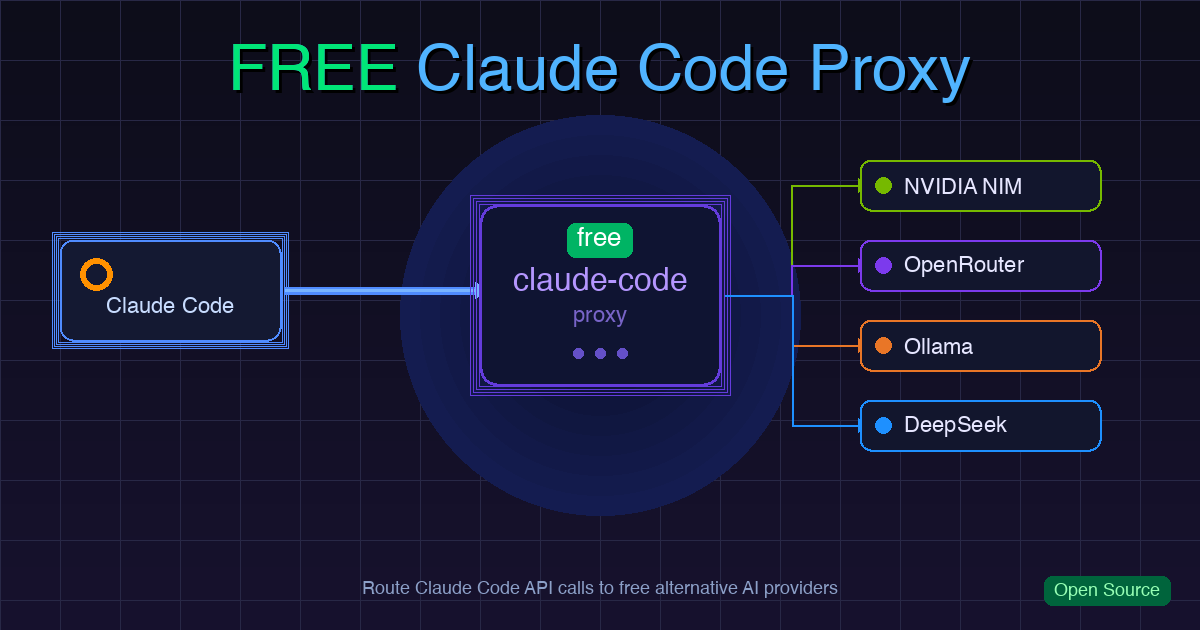
Claude Code’s developer experience is excellent, but the API costs add up fast. free-claude-code is an open-source proxy that lets you keep using Claude Code’s CLI, VS Code extension, and JetBrains integration while routing the underlying API calls to free-tier cloud APIs or self-hosted local models.
How It Works
Every Claude Code operation goes through the Anthropic API. This proxy sits in between:
| |
The proxy exposes Anthropic-compatible endpoints (/v1/messages, /v1/models, etc.), translates incoming requests to each provider’s format, then translates the responses back to Anthropic’s format. From the Claude Code client’s perspective, it’s just a regular Anthropic API.
Supported Providers
Ten backends are currently supported:
| Provider | Notes |
|---|---|
| NVIDIA NIM | Free tier at build.nvidia.com; includes Kimi K2.5, GLM 4.7 |
| OpenRouter | Aggregates many models; some with free tiers |
| DeepSeek | deepseek-chat, much cheaper than Opus |
| Kimi | Moonshot’s platform.moonshot.ai |
| Wafer | wafer.ai; DeepSeek-V4-Pro, GLM-5.1 |
| Z.ai | GLM-5.1, GLM-5-turbo |
| OpenCode Zen | opencode.ai; includes deepseek-v4-flash-free |
| LM Studio | Local server, default localhost:1234 |
| llama.cpp | Local server, default localhost:8080 |
| Ollama | Containerized local models, default localhost:11434 |
Per-Tier Model Routing
Claude Code splits requests into three tiers: Opus (main agent), Sonnet, and Haiku (sub-agents). The proxy lets you route each tier to a different model:
| |
Opus requests (typically the most expensive) can be routed to a free model; Haiku requests can run locally.
Installation and Setup
Prerequisites: Claude Code CLI and Python uv.
| |
After starting, open the displayed localhost address in your browser to access the Admin UI and configure provider API keys.
Then use fcc-claude instead of the regular claude command — the launcher automatically injects the required environment variables.
Client Integration
VS Code
Add to settings.json:
| |
JetBrains
Edit the ACP configuration file (path varies by platform) with the same three environment variables.
Once configured, the IDE’s model picker also works — the proxy’s /v1/models endpoint exposes all available models for visual selection.
Optional Features
Discord / Telegram bots: Wrap Claude Code sessions in a bot for remote task management, streaming progress, and conversation branches. Requires bot tokens and channel IDs.
Voice transcription: Connect Whisper or NVIDIA NIM for voice-to-text input via the messaging platforms.
Actual Limitations
A few real constraints to keep in mind:
Model capability gap: Many of Claude Code’s strengths — long context, accurate tool calls, complex reasoning — are specific to Claude models. Switching to alternatives may degrade agentic reliability, especially tool call accuracy, which drives most of Claude Code’s workflow.
Free tier rate limits: NVIDIA NIM and OpenRouter free models typically have RPM/TPD caps. Heavy usage will hit rate limits.
Local model resource requirements: Running llama.cpp or Ollama needs sufficient VRAM/RAM. Performance is noticeably slower than cloud APIs.
When It Makes Sense
- Trying out Claude Code without committing to Anthropic API costs
- Mostly doing simple tasks (file edits, formatting, small features) that don’t need top-tier models
- You have a GPU and prefer paying with electricity instead of API fees
- Comparing how different models perform under the Claude Code interface
If your work depends on Claude’s long-context handling or complex agentic tasks, swapping models will likely cause tool call failures or reasoning errors. In that case, analyzing your usage structure and optimizing cache usage may be more practical than switching models — see the earlier posts in this series.